
Control the next access
A protected link keeps the message in a controlled exchange. Retraction marks external access as withdrawn. Subsequent protected-message and file-access requests are checked against that state.
Sent something sensitive to the wrong person? Withdraw future external access to the protected message and its files.
Sender or authorised company administrator; eligible external protected messages.
A protected link keeps the message in a controlled exchange. Retraction marks external access as withdrawn. Subsequent protected-message and file-access requests are checked against that state.
Use it when a document has gone to the wrong recipient, a project ends or material should no longer be available. The sender retains the message and its recorded activity.
The recipient is shown that the protected message is no longer available. The action and subsequent denied-access attempts have audit records. Do not rely on a separate retraction email: this workflow does not automatically send one.
Retraction cannot pull back a downloaded file, an exported evidence bundle, a screenshot or another separately saved copy. It does not erase an already displayed page. It applies to external protected access, not removal of internal team records. A short-lived download link already issued may remain usable until that link expires.
Selected product views rendered locally from the application’s templates. These illustrate the interface; they are not a live customer session.
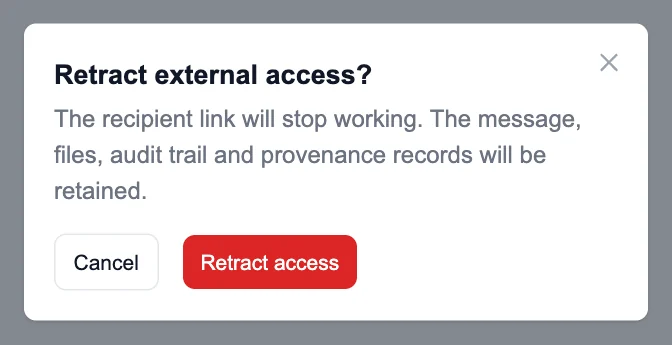
The sender confirms Retract access. The message, files and evidence are retained.
Enlarge product view →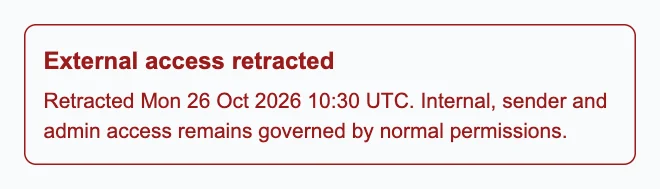
The sender sees that external access has been retracted.
Enlarge product view →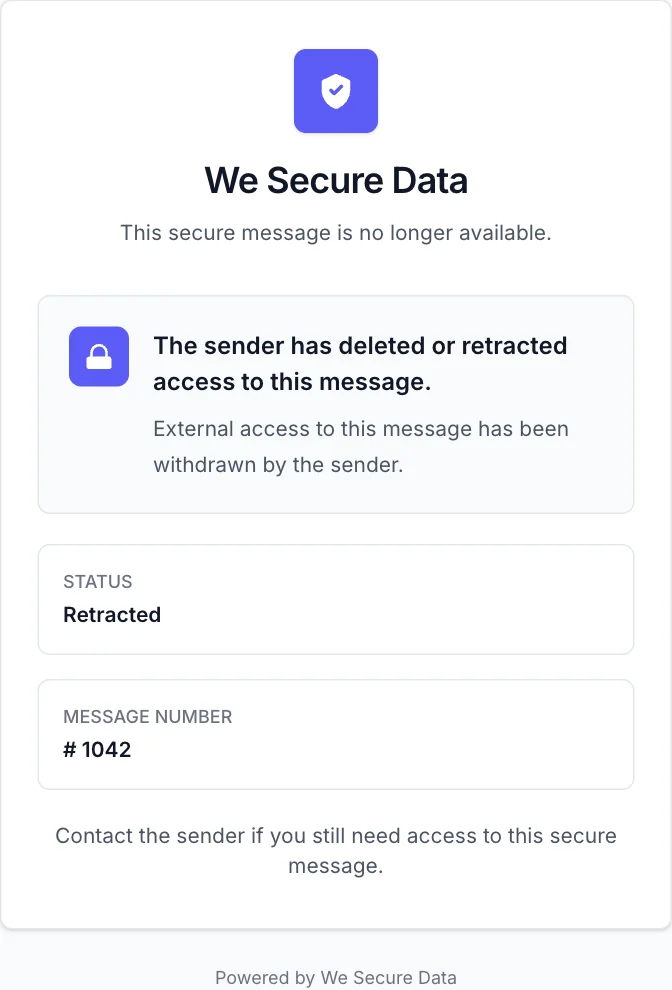
The protected message shows Retracted. Previously downloaded or copied content remains outside this control.
Enlarge product view →No. It changes future access to protected content rather than asking another email system to remove an ordinary attachment. Some email products also provide recall or confidential links; their scope varies.
Retraction withdraws future external access. Send a new protected exchange if you need to share the content again.
That depends on the original message policy. External access can use email verification or other configured checks; a sender may require a We Secure Data account.
Send confidential content through a protected message, with independently checkable evidence of the recorded sender and exact content.
Explore the capability →Resolve questions about sensitive exchanges with time-stamped activity, rather than relying on inbox recollection.
Explore the capability →Send legal bundles, large PDFs, videos, CAD files and business archives through a protected exchange, rather than an ordinary email attachment.
Explore the capability →Explore the real product workflows or register your interest in the hosted platform.