
“Who sent this?”
Check the sender recorded in the signed evidence.
See verified identity, passkey confirmation and independent proof in action. Real product screens. No sign-in needed.
See the difference when verified identity, passkey confirmation and exact content evidence come together.
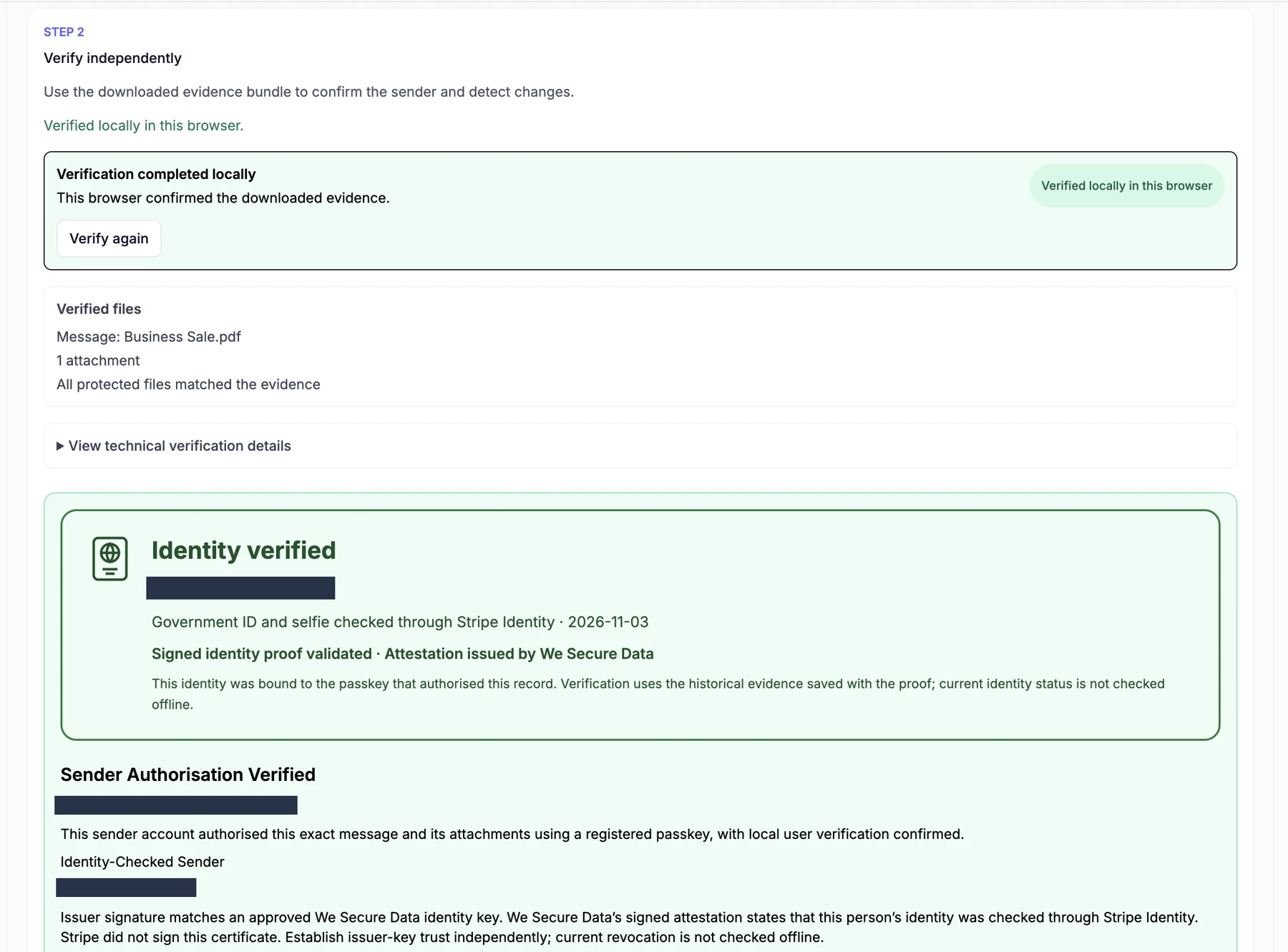
Follow real customer workflows. See what the sender does, what the recipient receives and where the proof comes in.
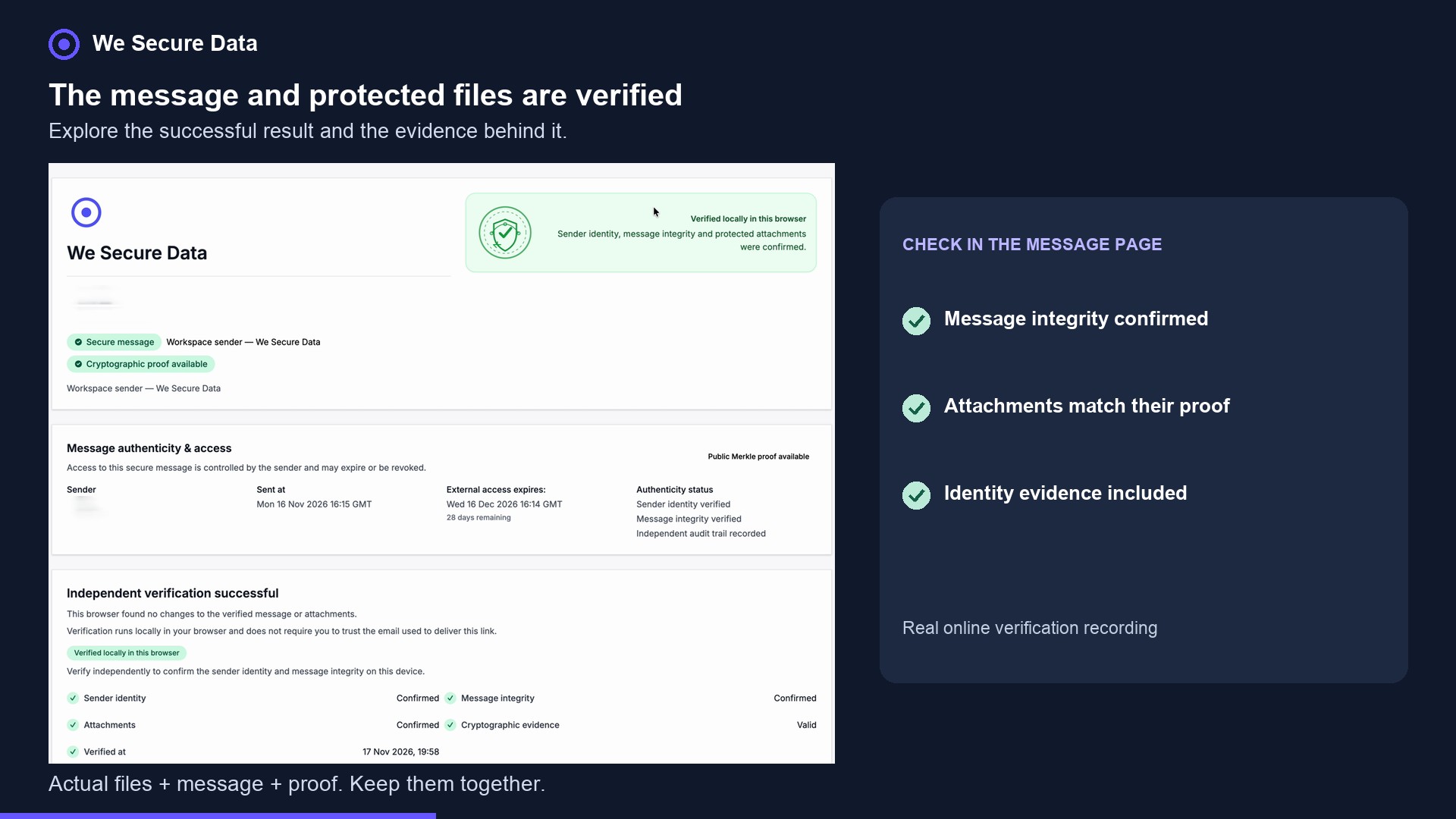
Keep the actual message and files with their proof. Check online, offline or with your AI.
Watch the recipient guide →From a £75,000 email request to identity-confirmed communication. Follow the real passkey and independently checked proof workflow.
Explore the identity demo →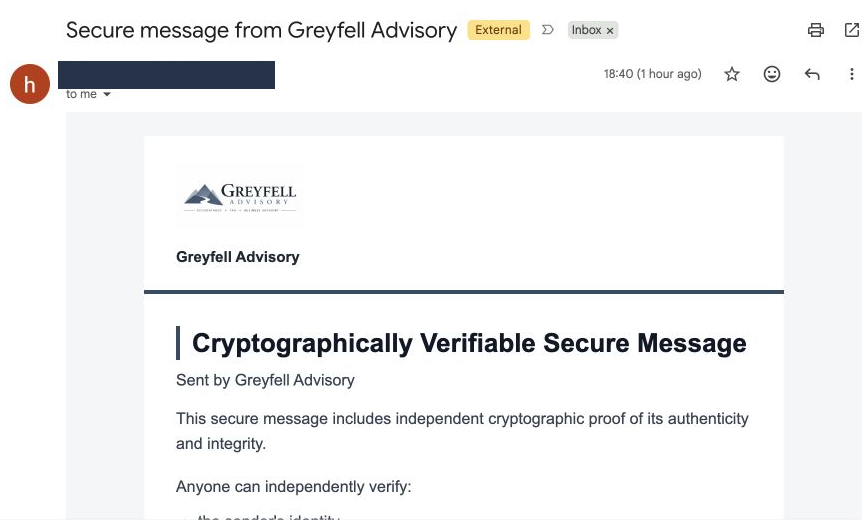
A familiar email. A protected document. Cryptographic proof your recipient can check for themselves.
Explore the story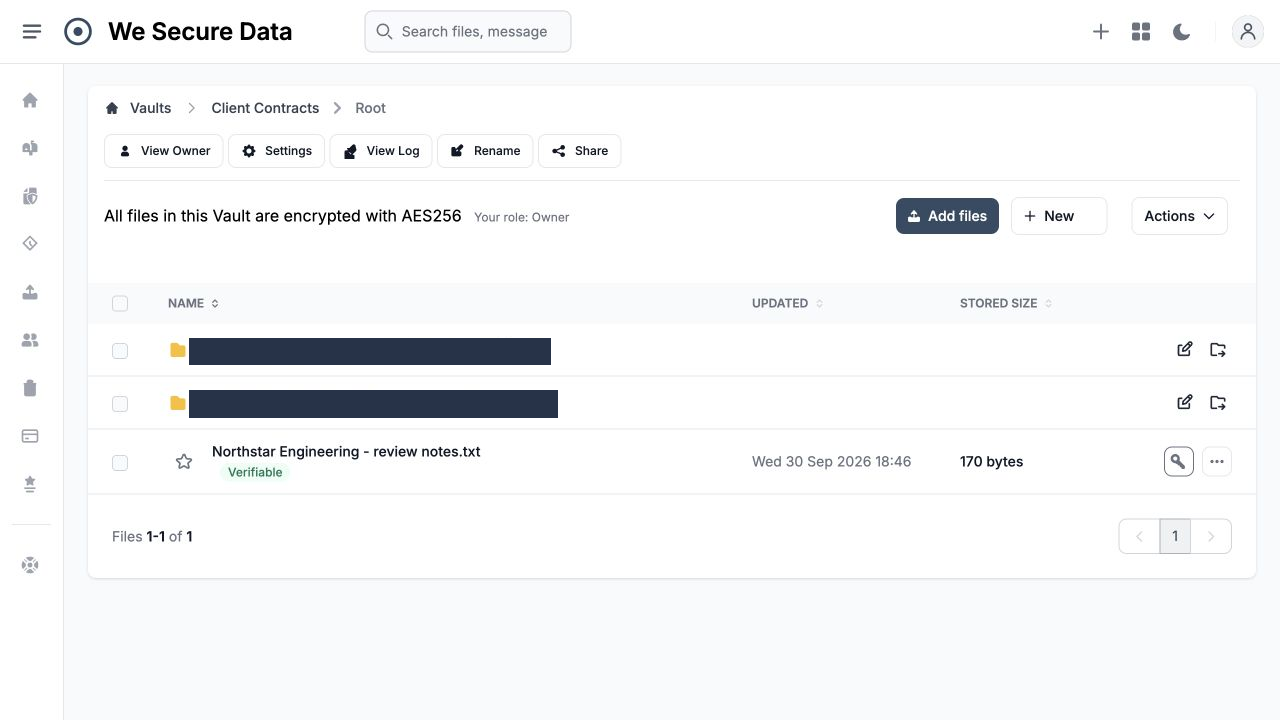
Bring Vault files to an authorised computer and send new work back, using a familiar local folder.
Explore the story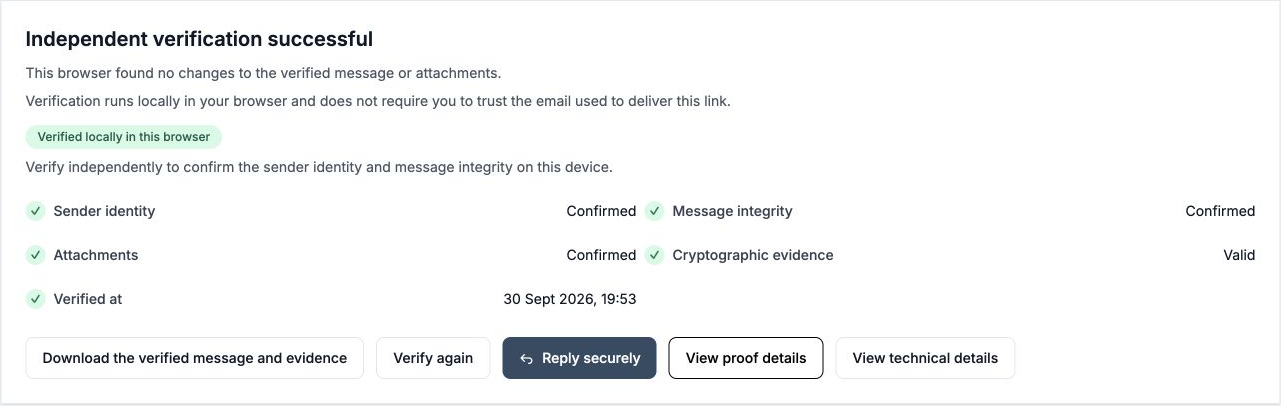
See the external recipient verify the sender, message and protected files using a downloadable evidence bundle.
Explore the story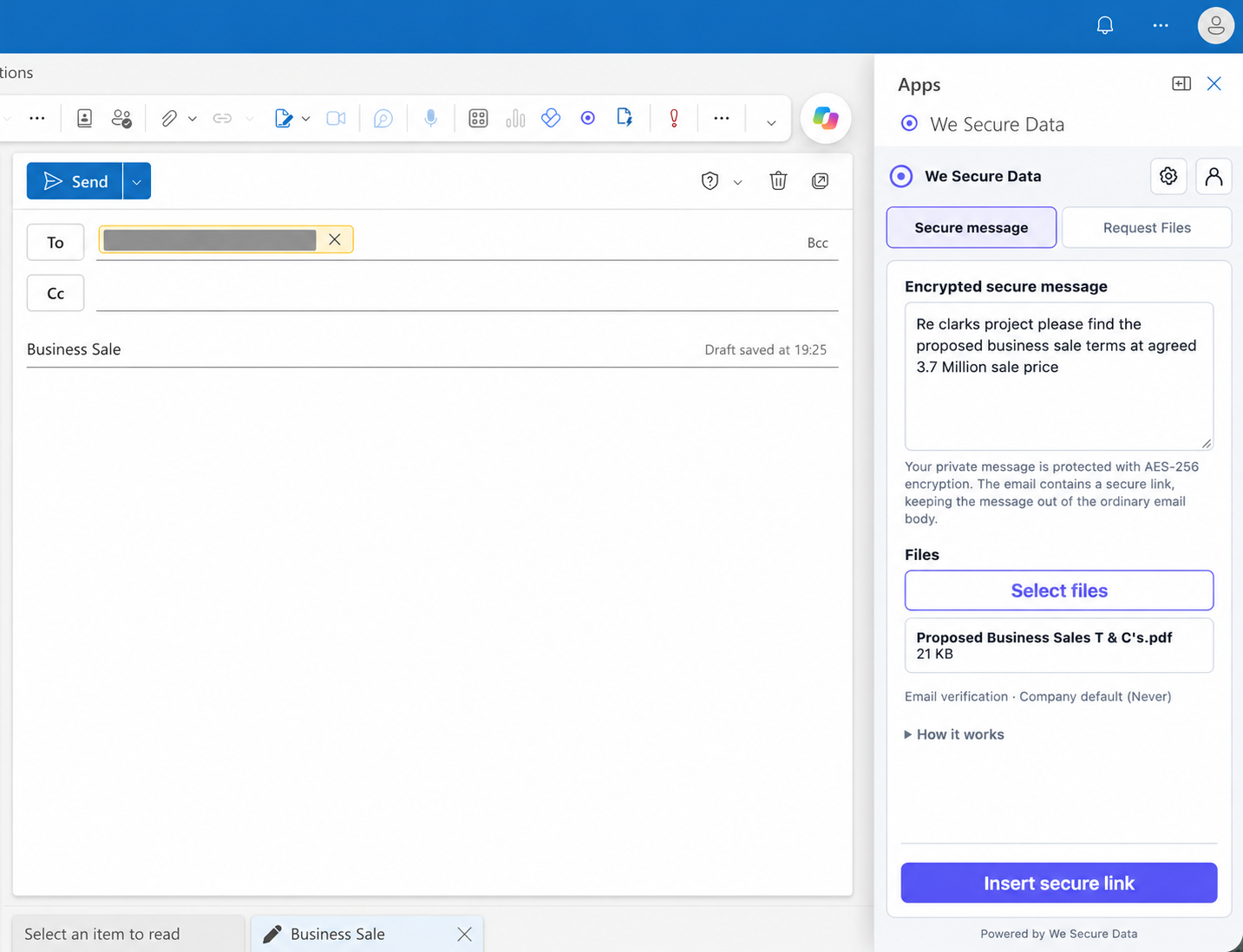
Send encrypted messages and large files from Outlook. Follow the recipient through previews, online proof and evidence they can keep and verify offline years later.
Explore the demo →
Send from the compose icon. Follow the recipient through email verification, previews and evidence checks online and independently offline.
Explore the demo →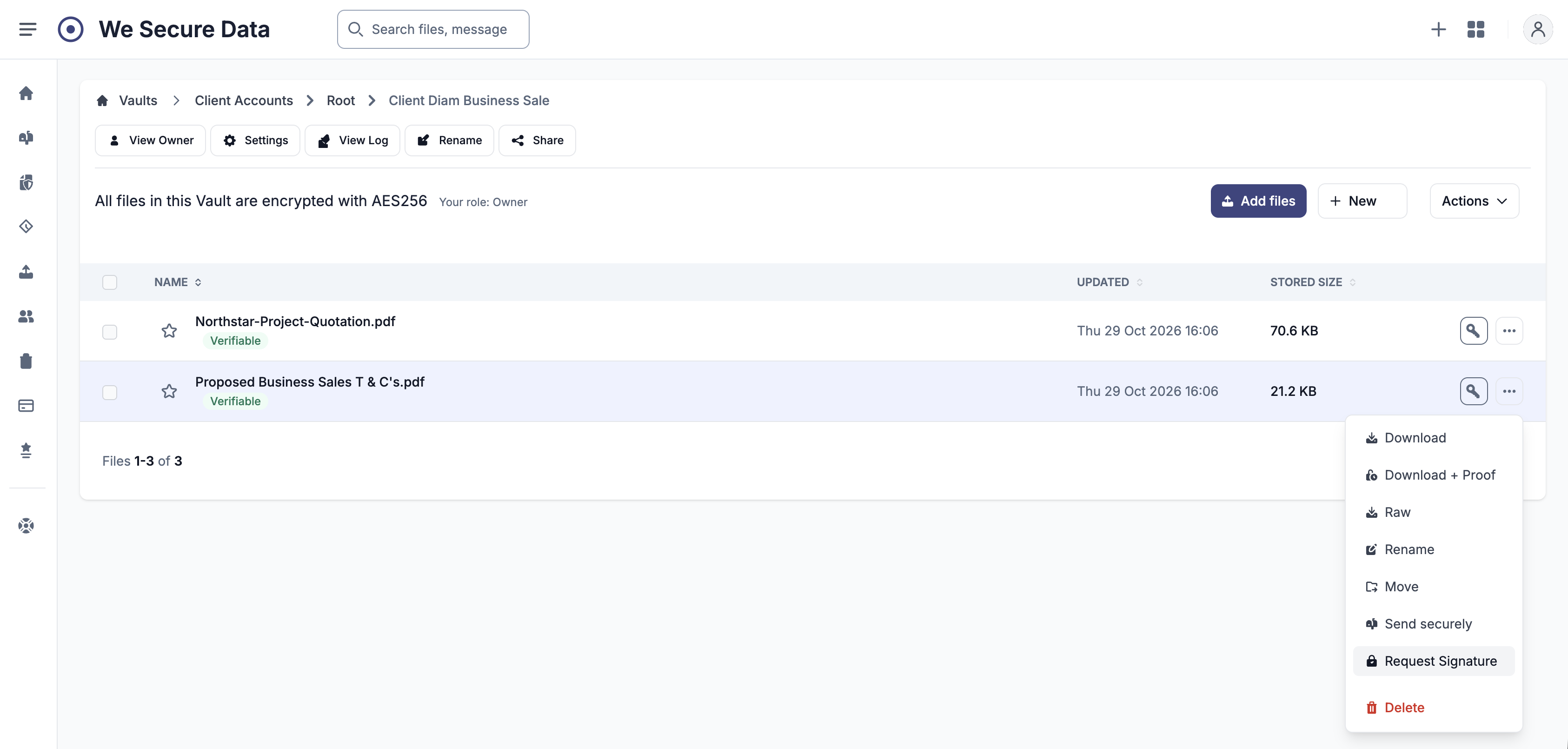
Get approval of large CAD files, spreadsheets, videos and more. Follow the signing journey from Vault to signature proof.
Explore the demo →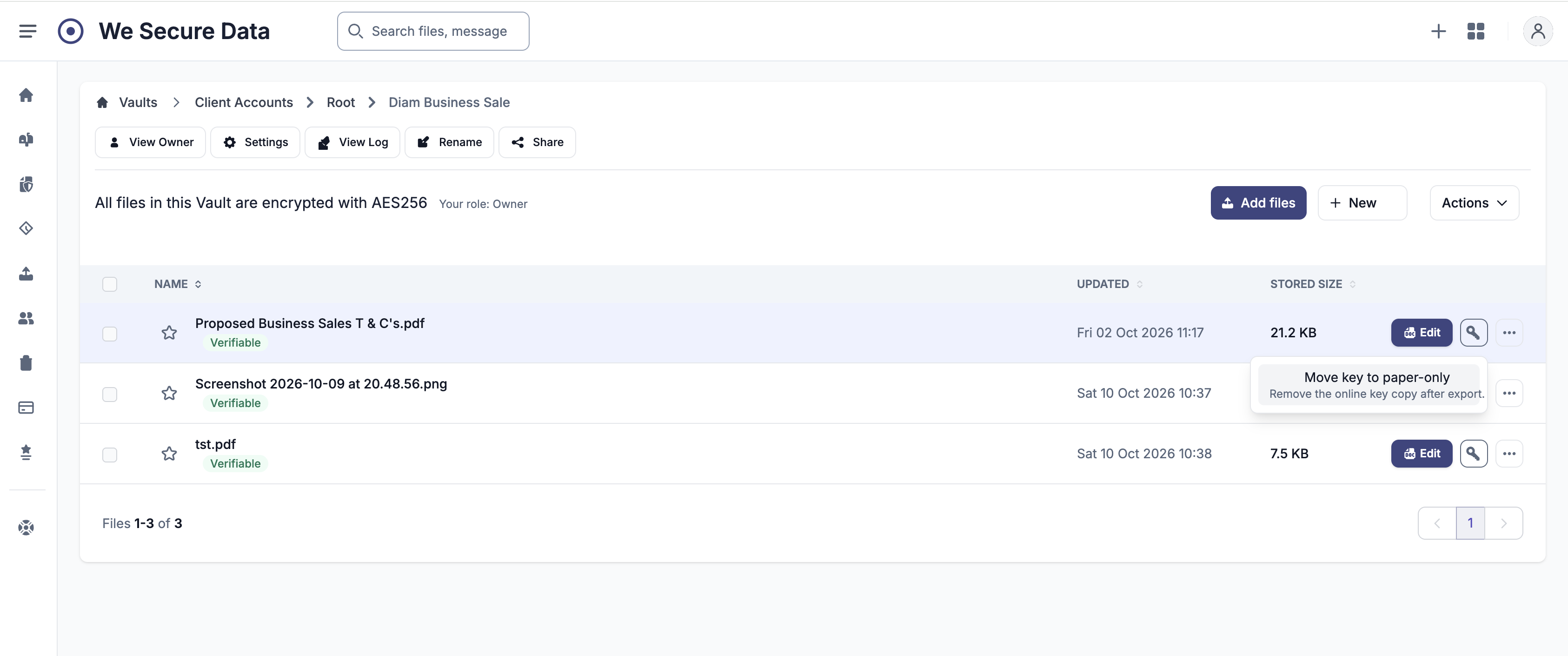
Move a Vault file’s key to paper-only, scan the printed key with your phone and watch the document open.
Explore the demo →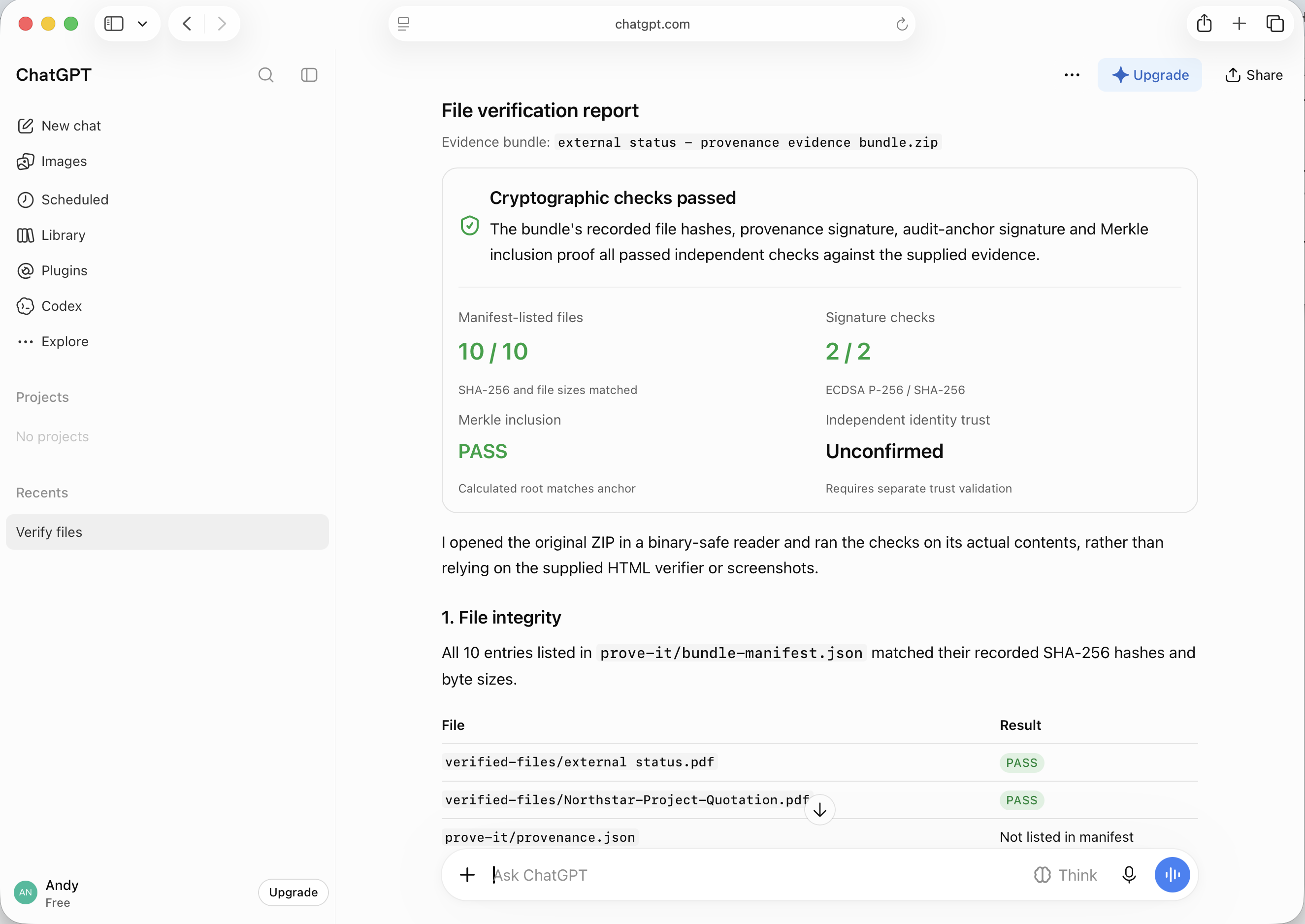
Download the bundle. Attach it to your AI. Get a cryptographic report independently of We Secure Data.
Explore the demo →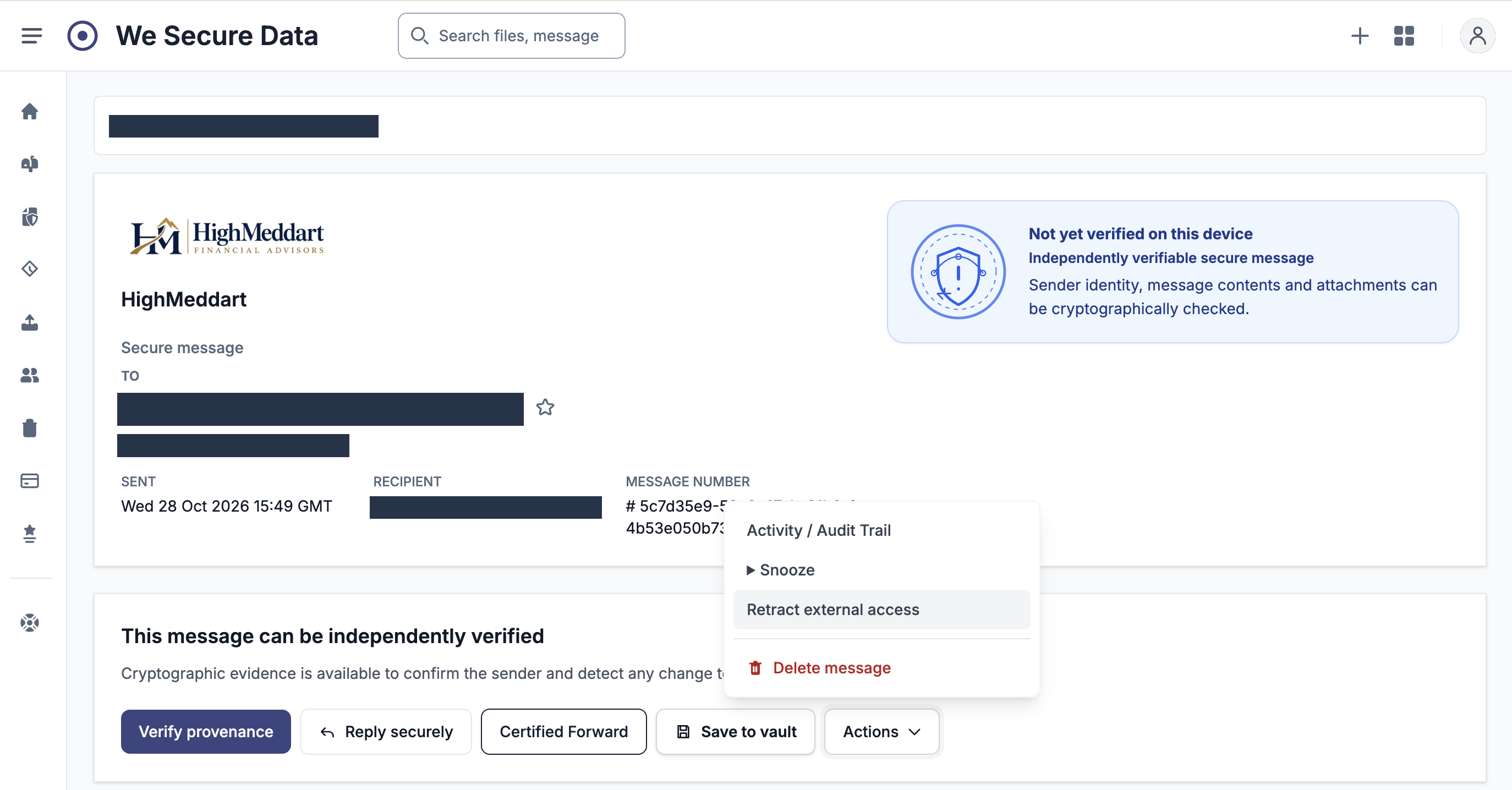
Retract a sent message, then see the recipient’s original link show that access has been withdrawn.
Explore the demo →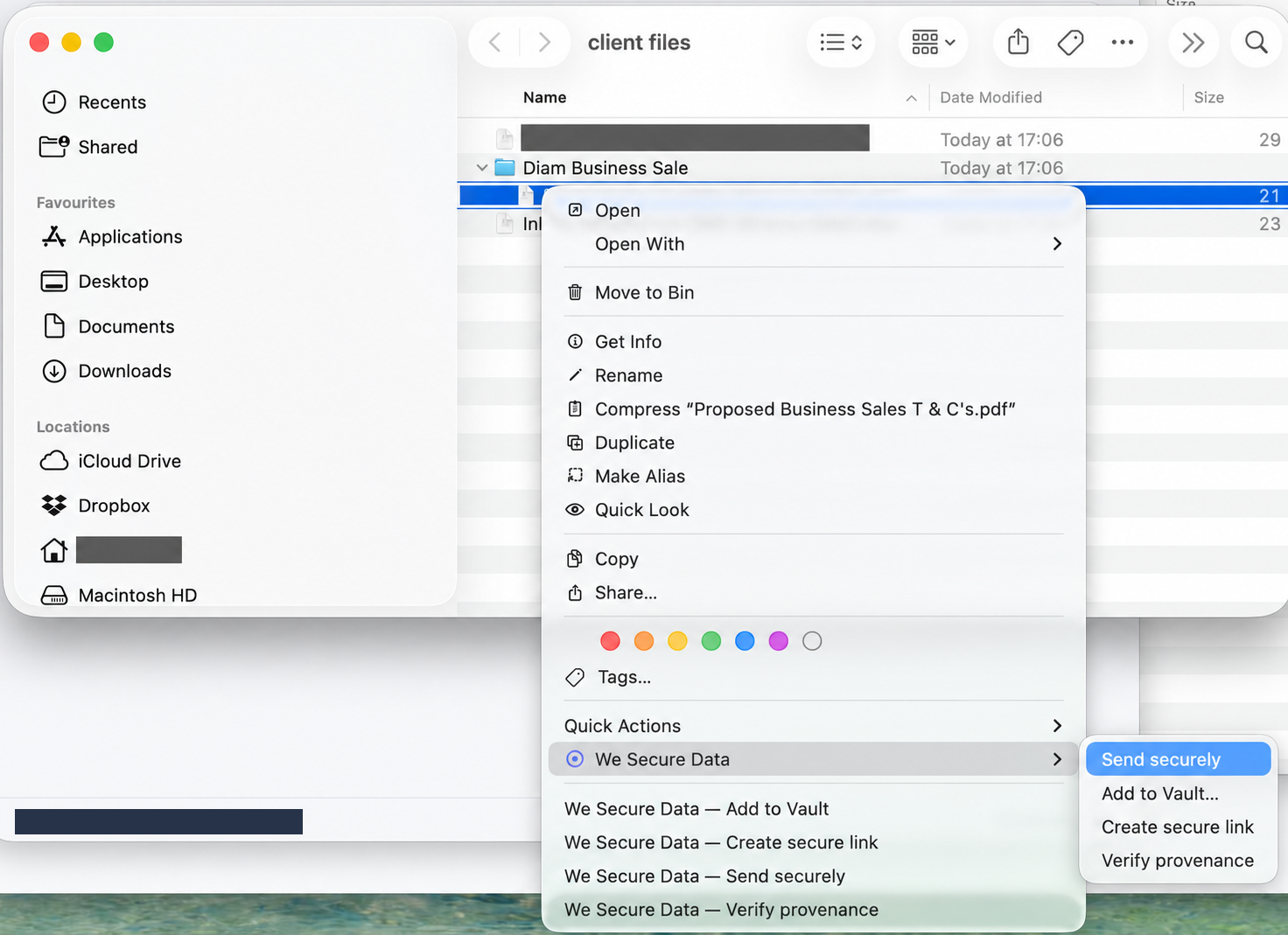
Send a file from Finder. See the real email, protected recipient access and proof the recipient can verify.
Explore the story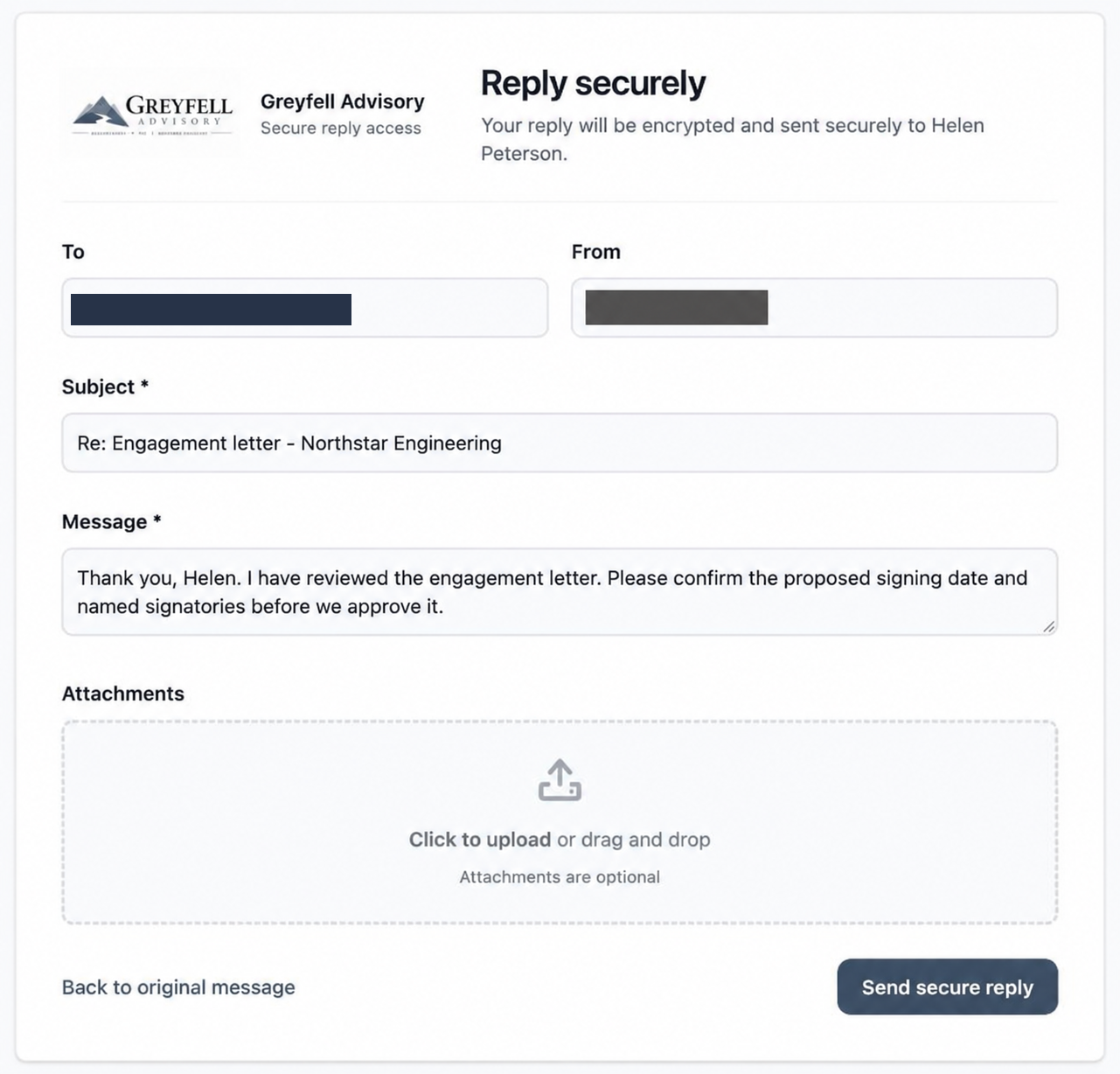
Your recipient can read, verify and reply securely—all from the protected message, without signing up.
Explore the story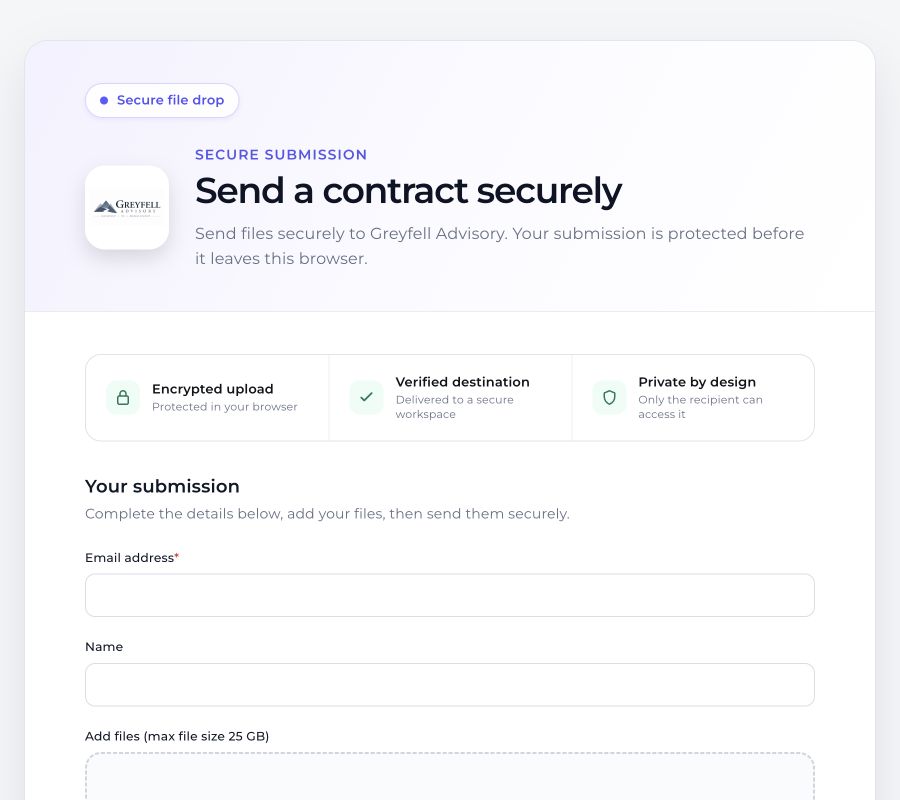
Collect a sensitive document, file it into a Vault and bring it to your computer—without the inbox shuffle.
Explore the story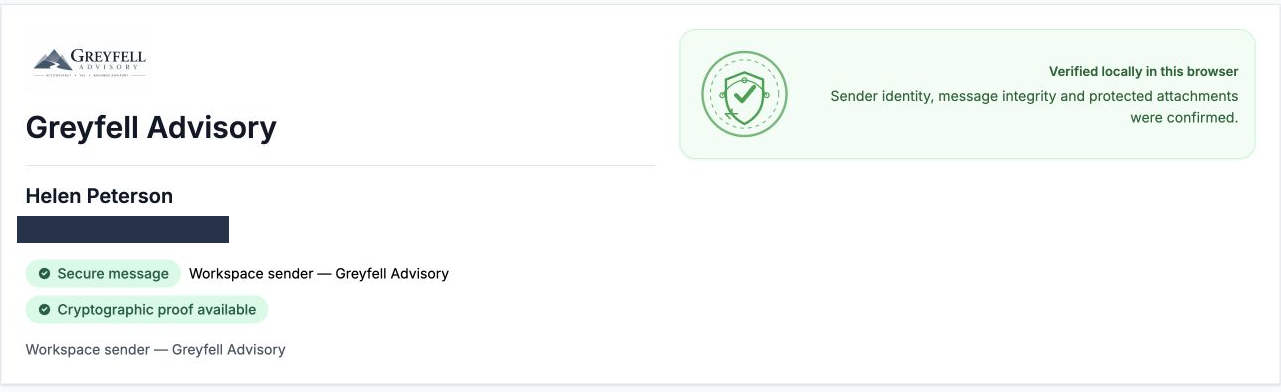
Show customers your name, your domain and your identity throughout the protected exchange.
Explore the story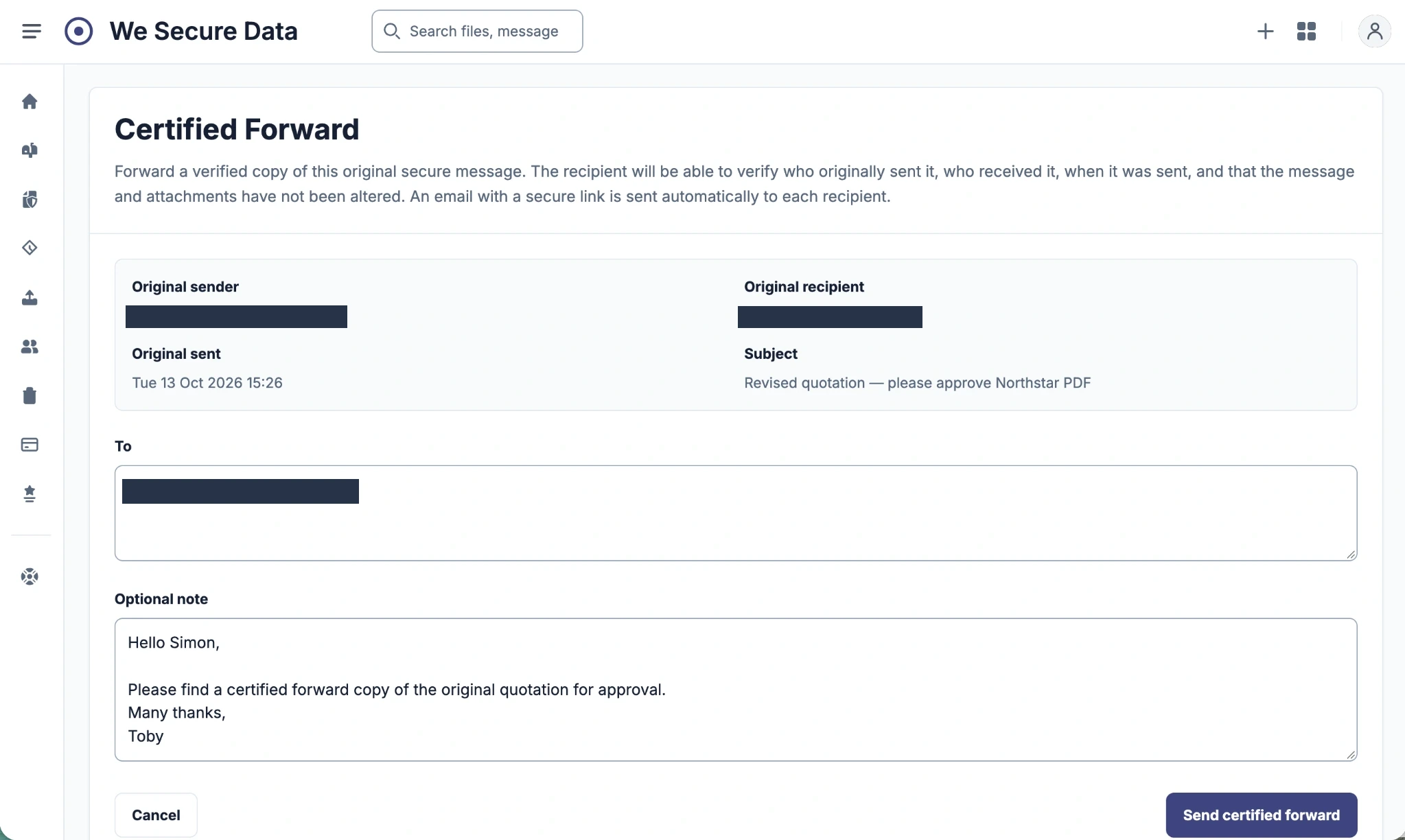
Follow a certified forward, retain its evidence and verify the original message and files locally.
Explore the story →Encryption protects the exchange. Cryptographic proof lets people check the recorded sender and whether the protected content has changed.
Check the sender recorded in the signed evidence.
Verify the protected content against its cryptographic fingerprints.
Retain a downloadable evidence bundle for independent checks.
Building this yourself means bringing together encryption, recipient access, protected storage, signed evidence and verification tools.
We Secure Data makes them part of the same workflow, with a clear experience for the people sending and receiving.
Give them a protected exchange and evidence they can check.