
Open your organisation’s WSD app to follow these steps. Your organisation’s settings and permissions may change which controls you see.
How to do it
- 01
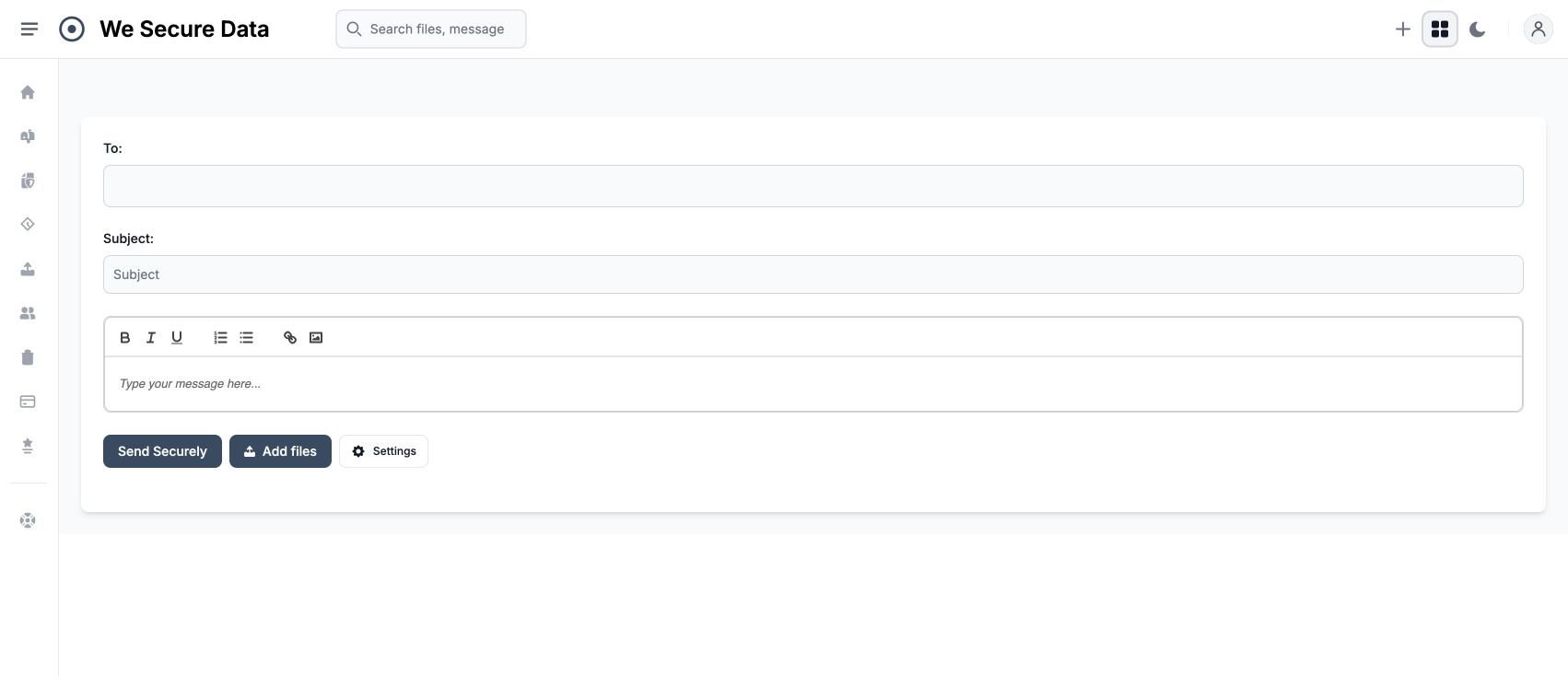
Choose Compose, enter the recipient's email address and a subject, then write your message.
- 02
Use Add files if you need to include attachments. Open Settings to review external access and expiry.
- 03
Choose Send Securely, then open Messages → Sent to review the result and copy the secure URL if needed.
Reviewed 30 September 2026Report an issue with this guide ↗